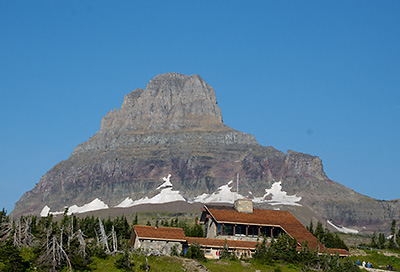
 Figure 1A Dust spots on a photo (1/200 @ f/8). |
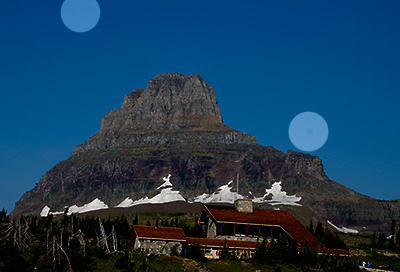 Figure 1B Dust spots on a photo (highlighted). |
"Dust Off" in Nikon Capture
Dust particles on a DSLR sensor produce dark spots on the image and are a source of a major annoyance to digital photographers. "Dust Off" feature in Nikon Capture allows to remove these spots using previously obtained "Dust Reference Photo". I find this feature useful and safe, although not a replacement to proper sensor cleaning.
Dust on an DSLR sensor is inevitable. Changing lenses, especially outdoors, gives an obvious path for the dust inside the camera. Additionally, lenses with extending/retracting barrels suck in air during the zoom/focussing action and provide another source of internal dust. Mirror action during the capture disturbs the particles in the mirror box and allows them to settle on the sensor (the shutter is conveniently open when the pictures are being taken). Dust blocks the light and manifests itself as dark spots on the image, more visible with smaller apertures. Figure 1 gives a real-world example of dust spots, accumulated in a few weeks of camera usage.
Figure 1A Dust spots on a photo (1/200 @ f/8). |
Figure 1B Dust spots on a photo (highlighted). |
Regular sensor cleaning is a fact of life for DSLR users. Various existing techniques, however, are time-consuming (it usually takes me 1-2 hours of cleaning, checking and cleaning again to get a clean sensor) and involve direct access to the camera's sensor assembly (therefore, risky in regard to camera damage and/or getting in even more dust). Naturally, one has to compromise between cleaning often and spending time on post-processing cloning out the dust.
Nikon cameras allow to take a "Dust Reference Photo" and later use it to render the dust invisible with the "Dust Off" feature in Nikon Capture. To obtain a Dust Reference Photo you need to take picture of a uniformly (and reasonably brightly) lit white surface setting lens to a small aperture (reducing the light incidence angle) and setting the focal plane away from the surface (blurring whatever details are on this surface). In theory, while processing the real capture, the software should be able to recognize the dust-related pattern of dark spots and map it out of the final image.
Test images of a white surface (refrigerator door) were taken by Nikon D70 with a lens set to f/32 and focused to infinity. NEF (raw) files were processed with Nikon Capture 4.1.0 with or without Dust Off and adjusted to neutral white balance and mid-gray brightness. To highlight the dust spots the levels were adjusted to [98..158] interval (increasing the contrast approximately fivefold); then the brightness of the whole image except the small area around the spot was reduced twofold. Additional details are given in the extended methods section below.
Figure 2 shows an image taken with a fairly dirty sensor. Not all of the dust spots are obvious on the resized image, but they are quite visible at 100% pixel level.
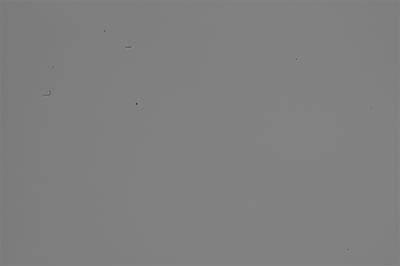 Figure 2A Dust spots. Download the full-size JPEG image (73 Kb). |
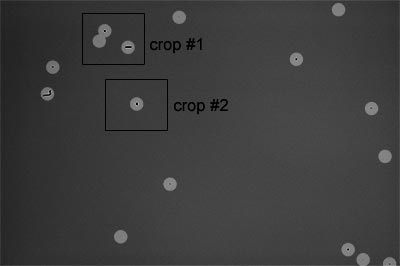 Figure 2B Dust spots (highlighted). Positions of two 100% crops used below are shown. |
Figures 3 and 4 show "before" and "after" for two 100% crops of the image in Figure 2.
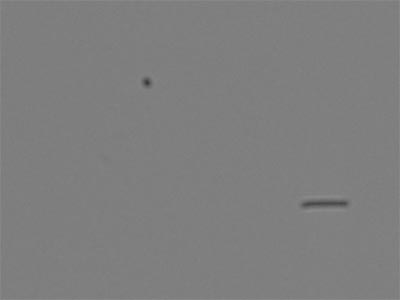 Figure 3A Crop #1, no Dust Off. |
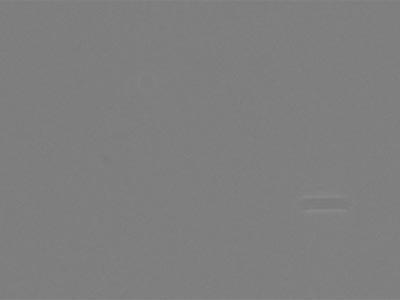 Figure 3B Crop #1, Dust Off applied. |
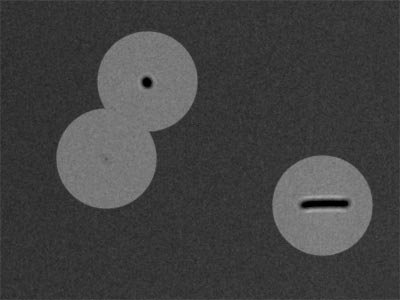 Figure 3C Crop #1, no Dust Off (highlighted). |
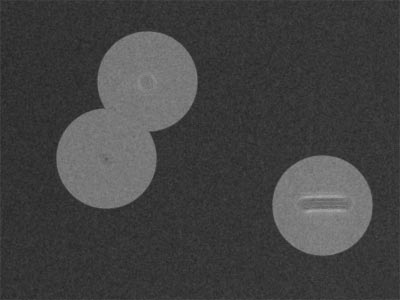 Figure 3D Crop #1, Dust Off applied (highlighted). |
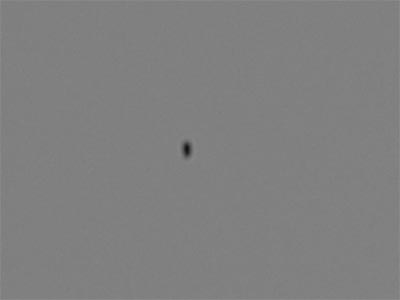 Figure 4A Crop #2, no Dust Off. |
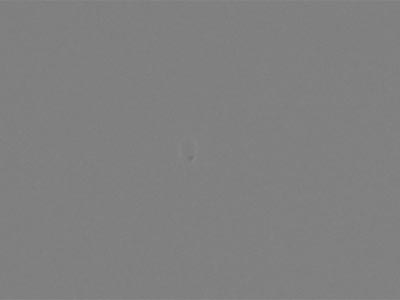 Figure 4B Crop #2, Dust Off applied. |
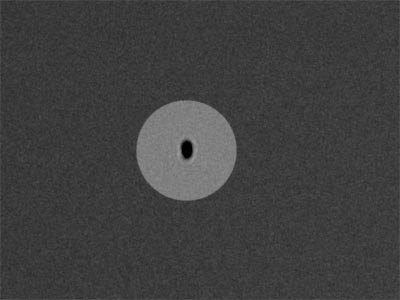 Figure 4C Crop #2, no Dust Off (highlighted). |
>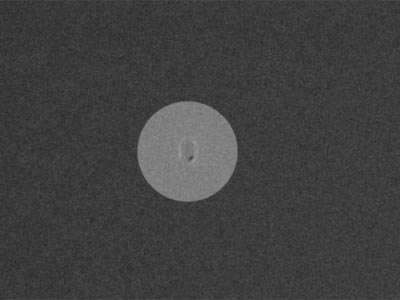 Figure 4D Crop #2, Dust Off applied (highlighted). |
The improvement is obvious, although traces of the dust are still visible. Interestingly, Nikon Capture deals fairly efficiently with the dark spots themselves, but leaves untouched the bright halo that is often present around the particles. Download the full-size JPEG image (73 Kb) for comparison.
3.3. Dust Off, Used Inappropriately.
The above figures (3 and 4) illustrate that applying the proper Dust Reference Photo to an image taken with a dirty sensor allows to greatly reduce the visibility of the dust spots. But what will happen if we use a wrong Dust Reference Photo (i.e. the one which has dust spots where the image doesn't)? Figures 5 and 6 shows the results of Dust Off application to an image taken with a clean sensor with the Dust Reference Photo used in the section 3.3.
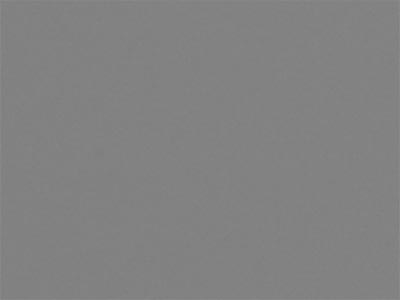 Figure 5A Crop #1, no Dust Off. |
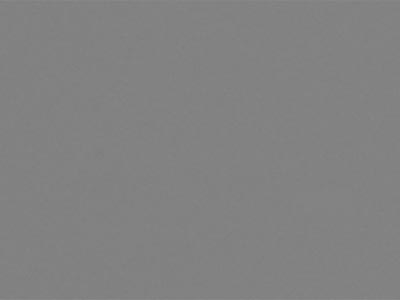 Figure 5B Crop #1, Dust Off applied with wrong reference file. |
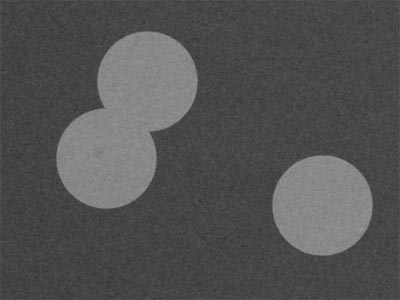 Figure 5C Crop #1, no Dust Off (highlighted). |
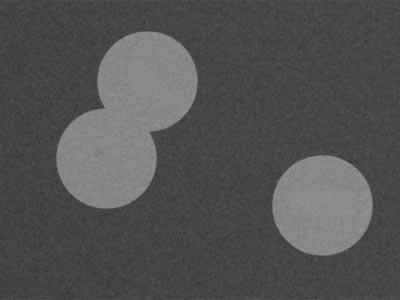 Figure 5D Crop #1, Dust Off applied with wrong reference file (highlighted). |
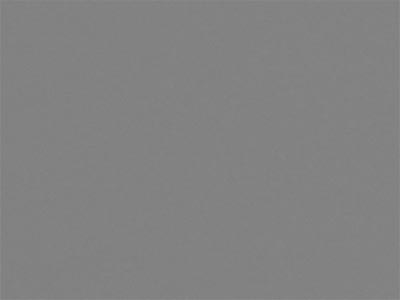 Figure 6A Crop #2, no Dust Off. |
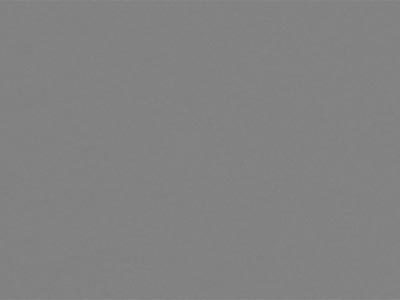 Figure 6B Crop #2, Dust Off applied with wrong reference file. |
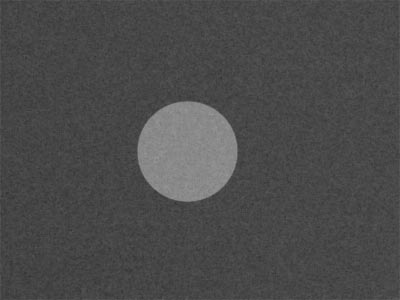 Figure 6C Crop #2, no Dust Off (highlighted). |
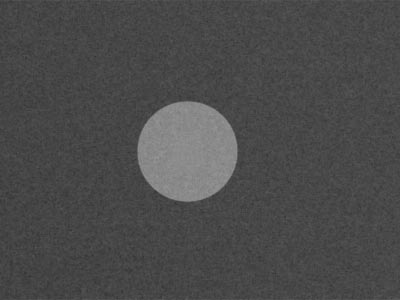 Figure 6D Crop #2, Dust Off applied with wrong reference file (highlighted). |
Apparently, the Dust Off action is non-destructive - no visible artifacts are introduced into a clean image where the Dust Reference Photo records a dust particle.
The conclusion is simple: Dust Off does improve the images; using the feature costs so little effort, that I see no reason not to do it. One simply needs to take a Dust Reference Photo once in a while (we usually do it after travel or before cleaning the sensor). The only sensitive question is where to put this action in the workflow. Dust Off is a fairly slow procedure, in my experience it roughly doubles the image processing time The good news are that it doesn't require the user's input beyond specifying the proper reference photo. We edit our raw files without the Dust Off and then apply it when exporting NEFs into 16-bit TIFFs. Since it is a slow action anyway, done in batch, the extra time taken by Dust Off doesn't impede the workflow much. Figure 7 shows the same image as in Figure 1 with Dust Off applied.
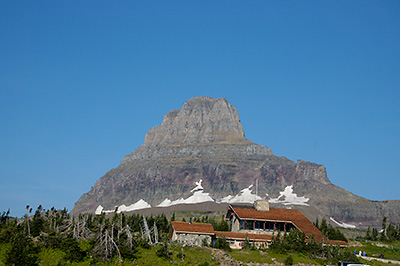 Figure 7A Dust Off applied to a photo (1/200 @ f/8). |
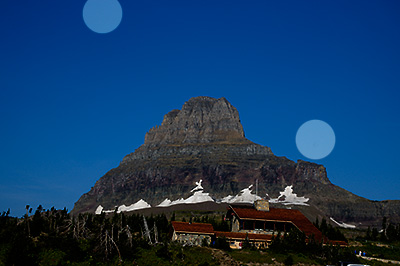 Figure 7B Dust Off applied to a photo (highlighted). |
White refrigerator surface in a kitchen with fluorescent lights was used as the target; lens-to-target distance was 40-60 cm. Nikon D70 camera with Sigma 105 f/2.8 EX Macro lens was used to capture the test images. Camera was set to Aperture Priority (f/32) and manual focus (infinity); exposures were 3 to 5 seconds. Combination of the long exposures taken handheld with the deliberate mis-focusing ensured complete blurring of any details present on the target surface. Obviously, this doesn't affect the shadows of the dust particles settled on the sensor.
5.2. Processing in Nikon Capture.
Raw (NEF) files were transferred to the computer and processed in Nikon Capture 4.1.0. White balance was set to "Gray Point", averaging the color data over the whole image area; no other corrections were applied. Then the image was exported as 16-bit Adobe RGB TIFF without Dust Off. After that Dust Off was applied and the image was exported as 16-bit Adobe RGB TIFF again.
Each TIFF file was modified by two adjustment layers. First, a Channel Mixer layer set to Monochrome (R=34%, G=60%, B=6%) was added. Second, Levels layer was added; the central slider in RGB channel was adjusted to bring the median RGB value to 127. To produce the highlighted version of an image, two additional layers were used. Another Levels layer was added with top and bottom RGB sliders set to 98 and 158 respectively; again, the central slider was adjusted to bring the median RGB value back to 127. Thus the 51 mid-tone levels were expanded to the whole range of 256 values, increasing the contrast. On the top, another Levels layer was added with the central slider set to 0.5 to bring the overall image brightness down. The image with no Dust Off applied was examined at 100% pixel level; positions of the dust spots were located and masked in the top layer mask using the brush tool (round, 90 px, hard 100%). This procedure restored the areas around the dust spot to original brightness with increased contrast. The mask for the top adjustment layer was copied into other images.
The images were either resized to width of 400 pixels (Bicubic Sharper) or cropped to 400x300 size. The crop area #1 was located at (640,150); the crop area #2 was located at (840,630) relative to the original image. The files were converted to 8-bit sRGB and exported as JPEGs (Save for Web quality setting 50).
© August 27, 2005, Yuri Wolf / YuriKira.com